Task 3
Step 1 :- Download and install AWS CLI program
use link :- https://awscli.amazonaws.com/AWSCLIV2.msi
Step 2 :- Now login to AWS using “aws configure” command and provide access key, secret key and selecting region


Step 3 :- Creating a Key-Pair, using command :

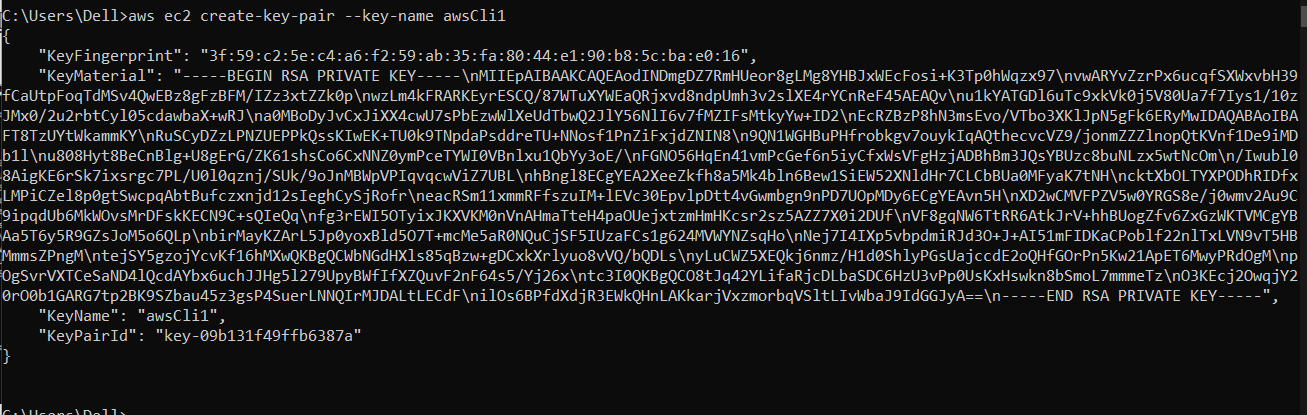
Key pair is successfully created :-


Step 4 :- Creating Security Group :
Note:- While Creating Security Group, description of security group is necessary to provide. Else Error will occur


Security Group is successfully created :-

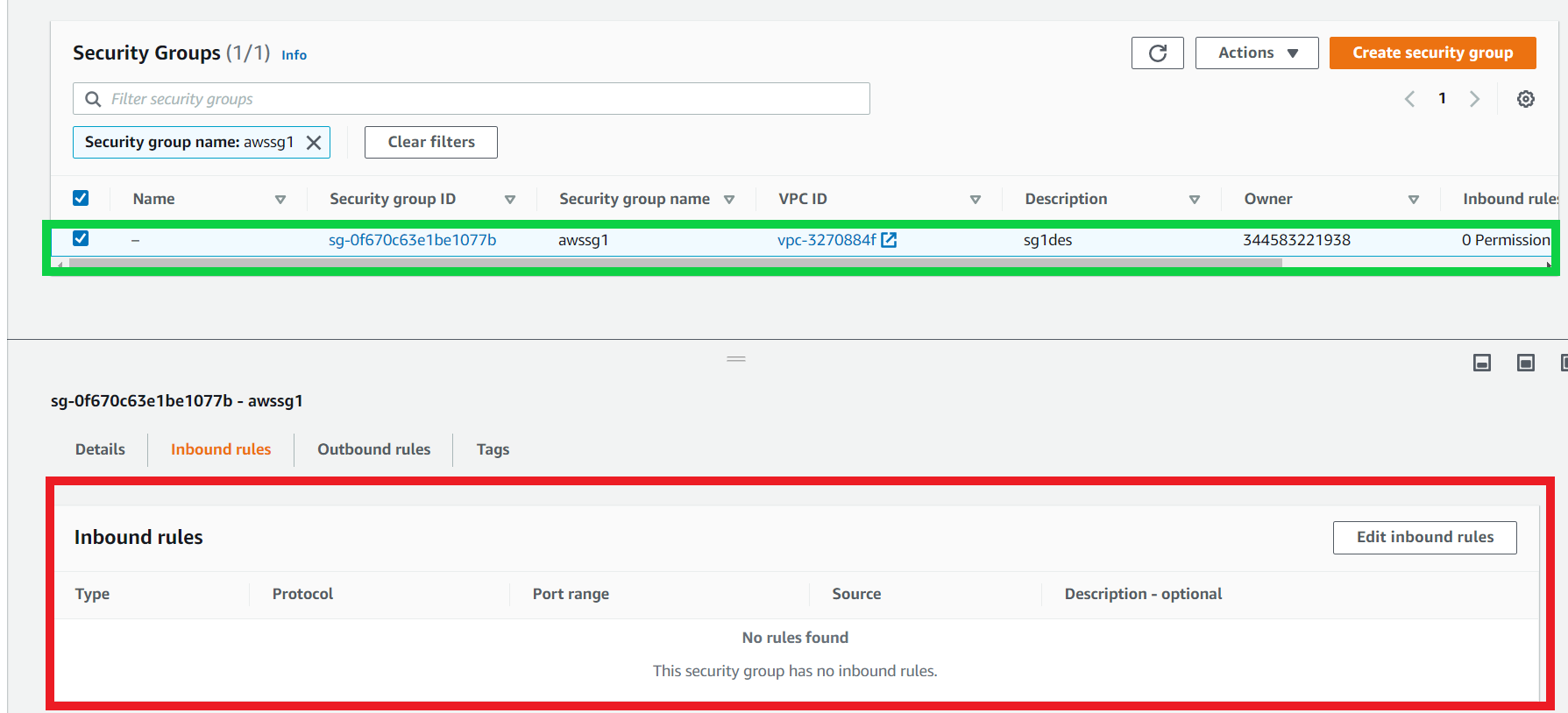
Here, No Rules are created.
Step 5 :- Creating Inbound Rules


Inbound Rule is successfully created :-


Step 6 :- Launching Instance using same key-pair and security group we have created
Note: If we do not provide the Security Group, it will use the default security group. The same will be used for the default Instance Type: m1.small. And, it will also pick the default VPC as well.


Instance has been launched successfully :-


Step 7 :- Creating Volume of 1 GB :


Volume is successfully created :-

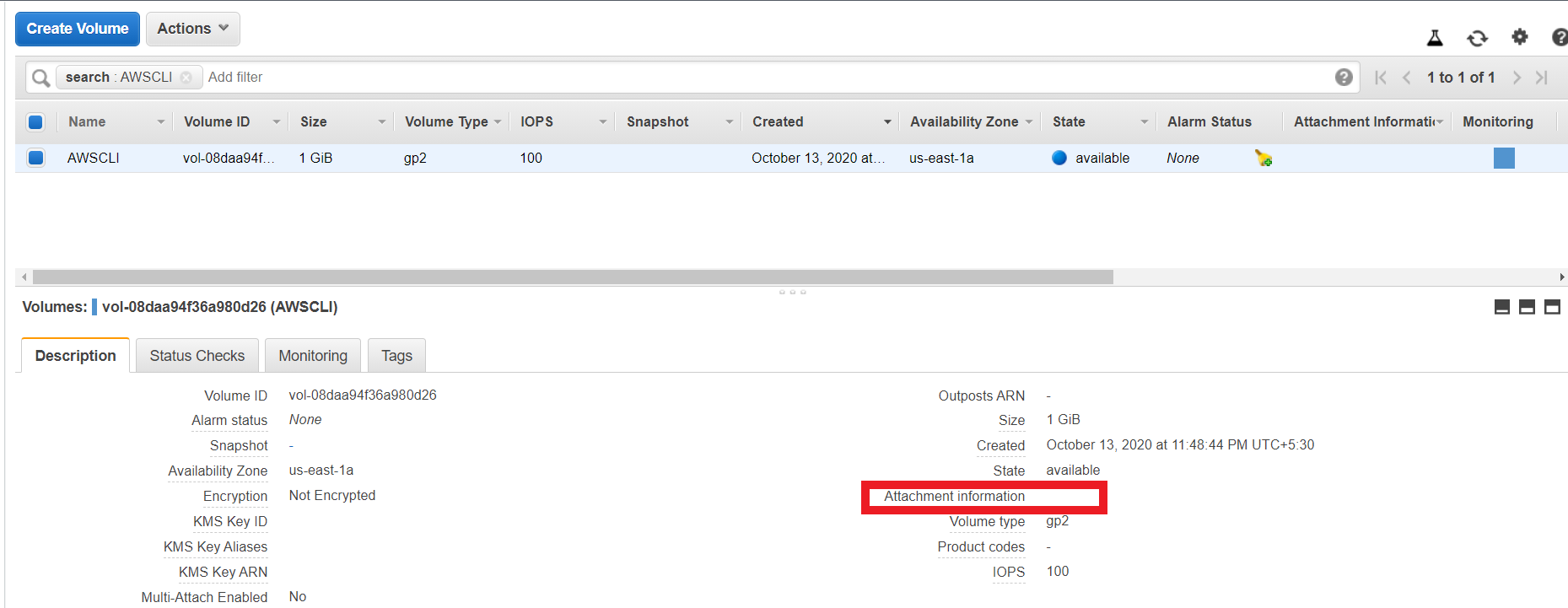
Step 8 :- Attaching this volume to the previously created Instance

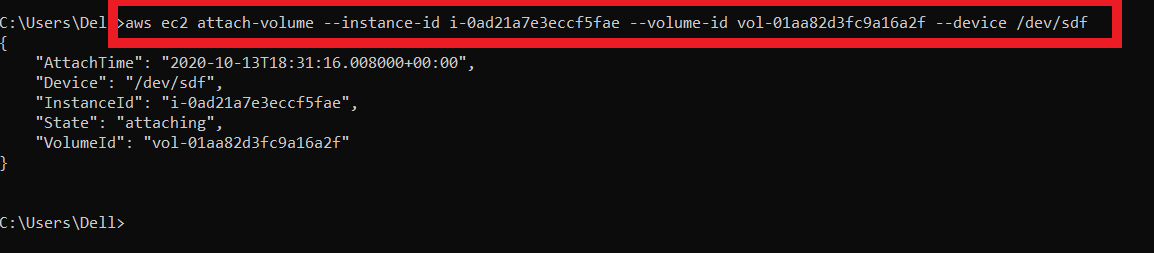
Volume is successfully Attached :-
Thank you 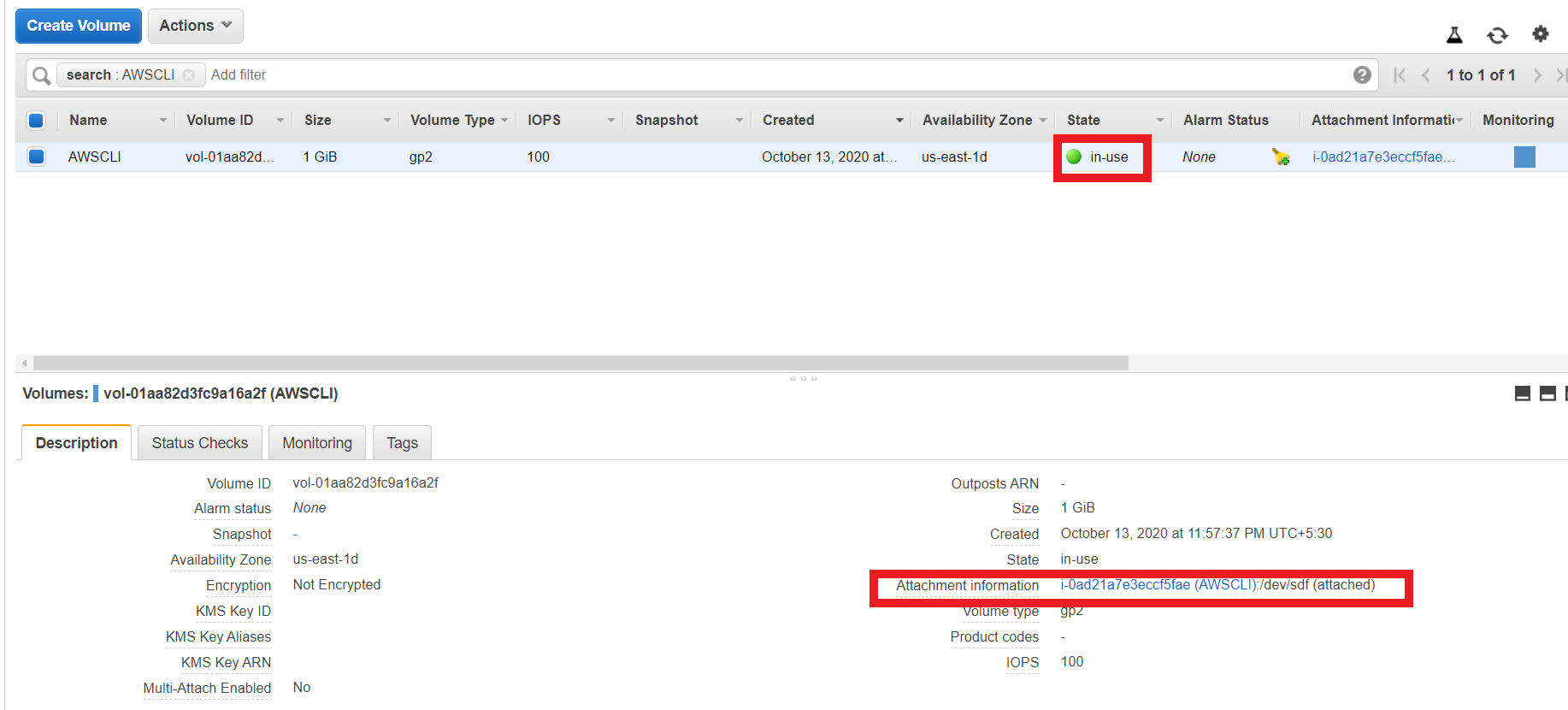

Comments
Post a Comment